

THE SERVICE JOURNAL / LIFE AT HOME
A better connection starts with your home.
A dropped work call, a television that pauses and a guest room with weak Wi-Fi may have different causes. The useful question is where the connection stops working for you. Start with the places you use and the moments that get interrupted. Premium can help turn those experiences into a plan for your home, whether you are improving a finished property or making decisions for a new one.
What this means for your home
- Plan for your office, everyday rooms and outdoor seating areas.
- Understand the difference between internet service and Wi-Fi coverage.
- Choose improvements around today’s needs and the work your home allows.
Internet service and Wi-Fi do different jobs
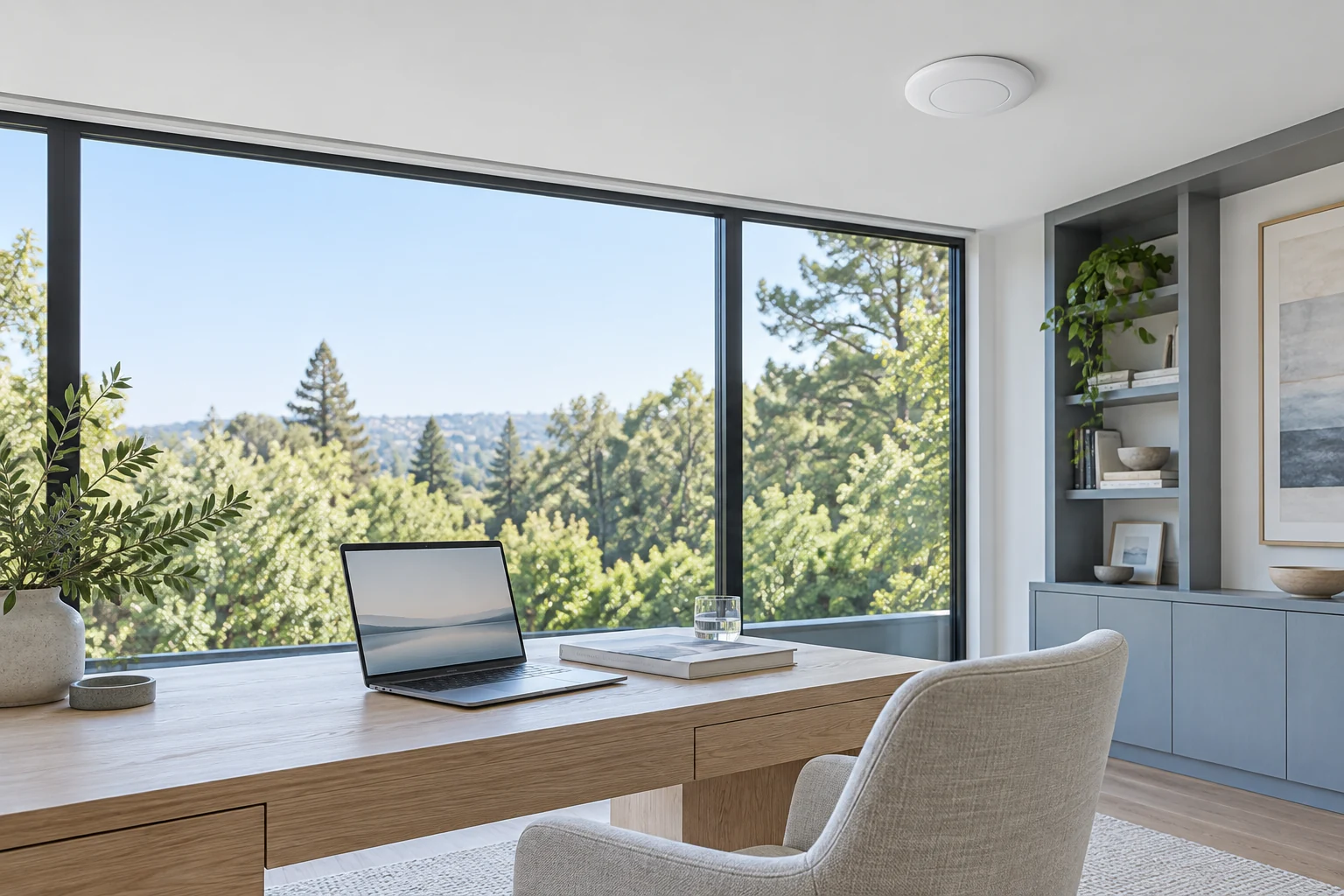
Your internet provider supplies the connection to the property. Your home network then connects your devices, and Wi-Fi is the wireless part of that network. A faster service plan and better coverage inside a room solve different problems. Knowing that distinction makes it easier to decide where to spend money.
For example, if a laptop works well near the router but struggles at your desk, the office deserves a closer look. If several devices stop working throughout the house at the same time, there may be a wider issue. These observations are useful clues rather than a diagnosis. You do not need to buy new equipment before describing the problem.
Tell Premium what you notice, where it happens and whether it affects one device or several. Include your internet provider and any equipment you already have. The aim is to understand the limitation first, then compare practical changes instead of replacing everything by default.
Give work, entertainment and outdoor living their own attention

A home office should be considered where the desk will actually sit. A family room may have a television, game console and several people using their phones at once. For a terrace or pool area, describe the seating and entertainment spaces you want to use. “Wi-Fi throughout the house” becomes more useful when it includes those everyday details.
Walls, distance, access-point placement and nearby wireless activity can affect the connection. An access point is a device that provides Wi-Fi to an area of the home; a larger property may need several thoughtfully placed units. More equipment is not automatically a better plan. Placement and the way the units work together matter.
For outdoor living, mention whether you mainly want music, a television, video calls or casual browsing. A covered terrace next to the house and a separate pool house should be discussed as different spaces. Premium can review the layout and explain what is feasible, including where equipment can be placed without distracting from the architecture.
Explore music and video throughout the homeChoose the right mix of wired and wireless connections
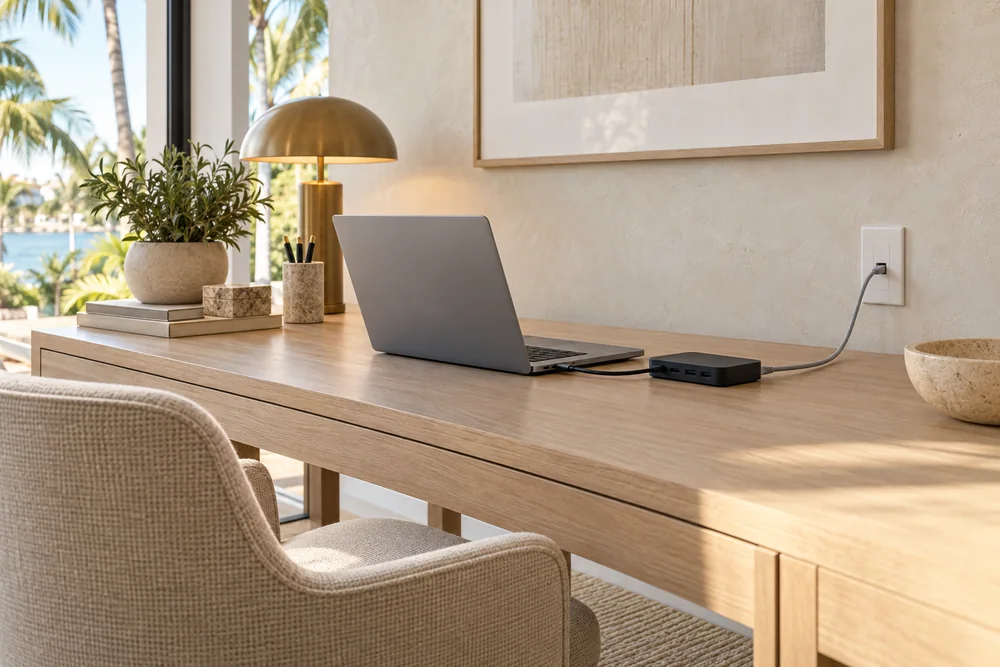
Wi-Fi gives phones and tablets freedom to move. Equipment that stays in one place, such as a compatible television or desktop computer, may also have the option of an Ethernet cable. A wired connection avoids depending on the wireless signal for that device. Premium can help decide where it would make a meaningful difference.
In a finished home, the existing cable routes and acceptable changes to walls or ceilings shape the options. Mesh equipment uses links between units to extend a network, but the layout and connection between those units still matter. Where practical, wired links can be considered. The choice should be explained in terms of the benefit and the work involved.
When building or renovating, bring up the likely office, television and outdoor locations early. You can plan for a future room without buying every device immediately. Premium can coordinate those choices with your project team and help you separate what belongs in this phase from additions that can wait.
Read the detailed home networking guideMake ownership and everyday use clear
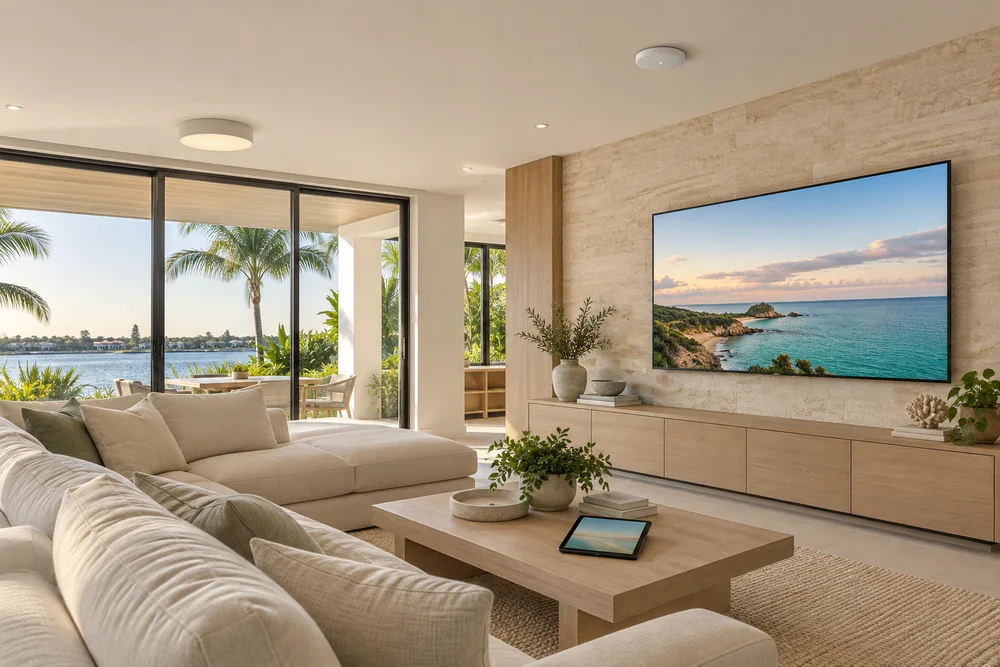
Think about the people who use the home, too. Guests may need an easy way to connect, while the household needs familiar access to music, television and controls. Ask how guest access will work and which connected systems must still communicate with one another. The appropriate arrangement depends on your equipment and preferences.
Before choosing a system, discuss who owns the accounts, who can manage the network and what happens when help is needed. If a proposal includes remote support, ask what is covered, what access is enabled and whether there are ongoing charges. A feature on a product does not by itself define a service agreement.
You can start with a short description of your home and the places where the connection lets you down. Do not send network passwords or account credentials with an initial inquiry. Premium can explain which information is useful for the next conversation and help you compare a focused improvement with a broader update.
Product details
Specifications and options from the manufacturers.