






DESIGN & PLANNING
Start with the rooms you use most.
A simpler movie night, music on the terrace, softer evening light or a video call that stays connected. Begin with the improvements that matter to your household. A clear brief helps turn those priorities into a system you understand, with the right controls, a defined budget and a realistic plan for the work inside your home.
What would make an ordinary day easier?

Think through a morning, a busy afternoon and an evening at home. Which lights do you keep adjusting? Where does glare interrupt the television? Which rooms should share music, and which need independent control?
Include everyone who uses the house, along with guests and visiting family. Choose a few routines worth simplifying, then decide where a keypad, remote or app would be easiest to reach. You do not need to choose every product before that conversation.
Home automationEntertainment that suits the room
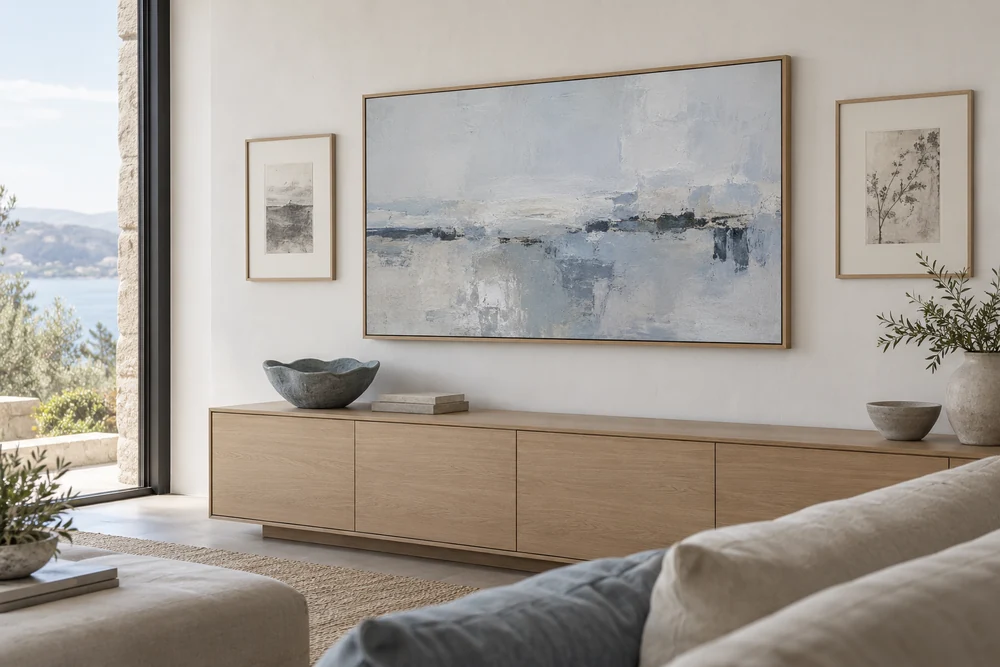
A family room may need to handle conversation, background music and a film in the same evening. Start with the seating, viewing distance, daylight and the amount of equipment you want to see. Clear dialogue and comfortable listening matter as much as screen size.
Architectural speakers, soundbars and freestanding speakers each have different strengths and installation needs. Include adjoining outdoor areas if you want music there, with equipment rated for the exposure. Set aside space for source devices, cables and remotes before the furniture and cabinetry are finalized.
Whole-home audio & videoUpgrading the home you already have
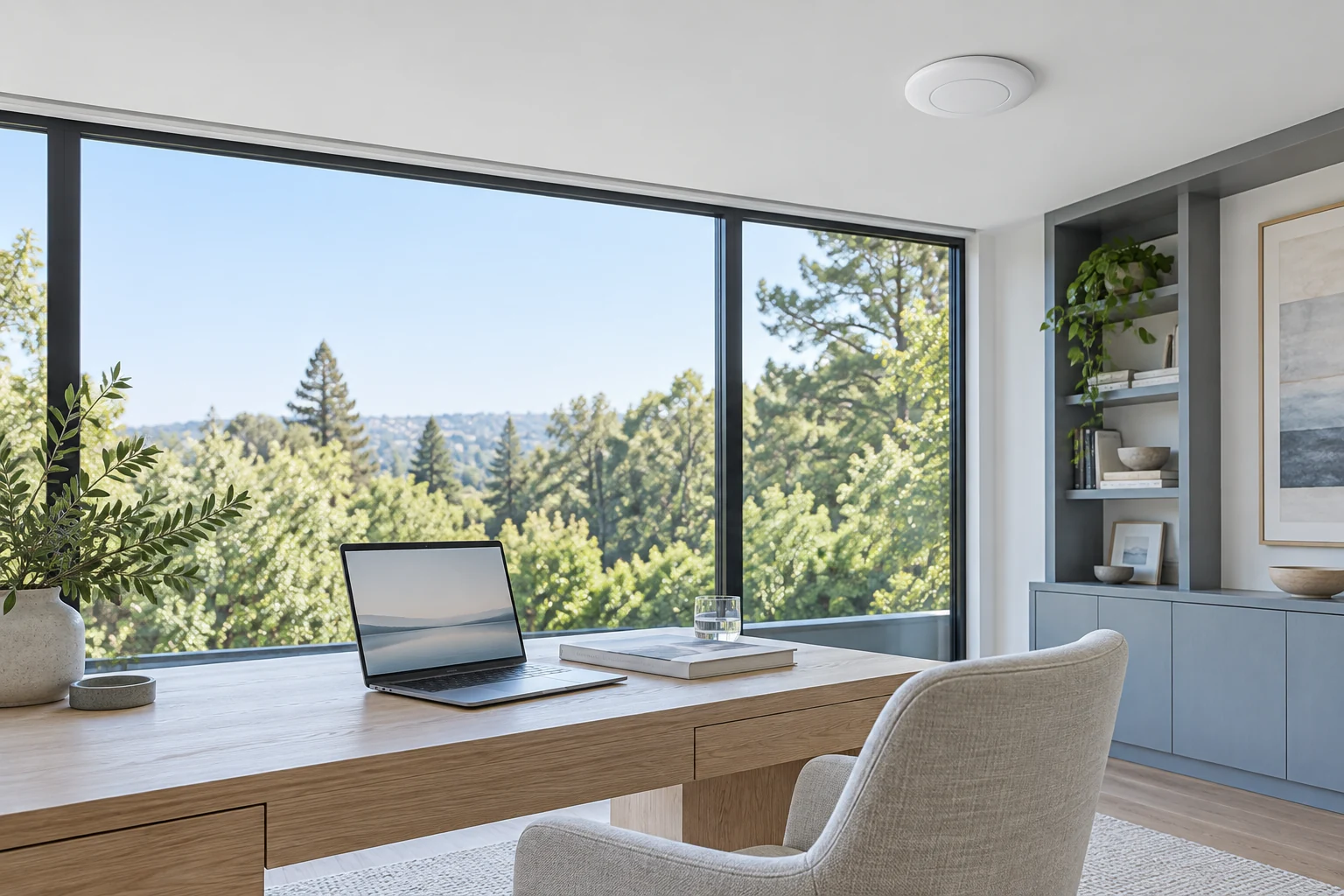
Gather the model numbers of equipment you want to keep, photographs of connections and any wiring records. A focused first phase can improve the rooms you use most while preserving a route for later additions.
Review access above ceilings, inside cabinets and behind screens, including where new cabling would disturb finishes. For connection problems, assess the internet service, router, access-point positions and building materials together. Agree on the installation scope and any making-good work before the project starts.
NetworkingCosts, accounts and everyday use
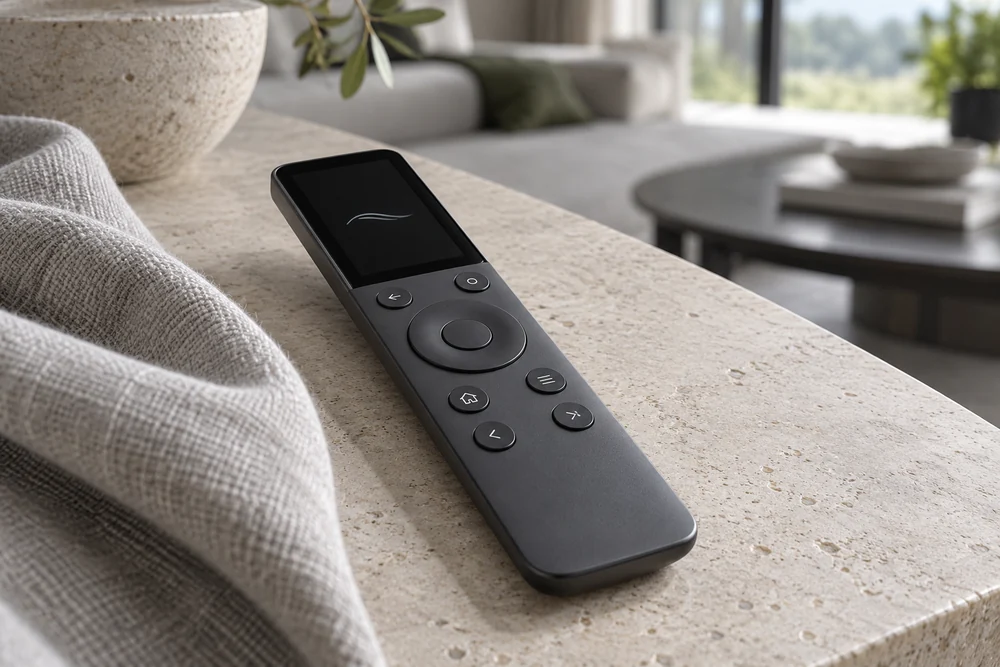
Ask for equipment, installation and programming to be clearly described, with subscriptions and ongoing support charges identified separately. Streaming services, remote-access features and art libraries can carry their own fees. Establish which functions depend on internet access and what remains available during an outage.
At handover, practice the routines you will use most. Keep ownership of your accounts, know how to add or remove household access and retain the equipment records and support contacts. Confirm which adjustments you can make yourself and how to request a programming change later.
Home automationProduct details
Specifications and options from the manufacturers.