




THE SERVICE JOURNAL / LIFE AT HOME
Feel connected in every part of home.
Your office should not be the room where calls keep dropping. And the place you like to sit outside should not decide whether the music keeps playing. A home network needs to fit the spaces you actually use and the people using them at the same time. Premium Audio And Video helps identify what is holding the connection back and designs Wi-Fi and wired connections around everyday life throughout your property.
What this means for your home
- Describe the rooms and activities where the connection matters most.
- Consider wired connections for equipment that stays in place.
- Find the cause of a slowdown before buying a faster internet plan.
Bring the connection to the rooms you use

Good Wi-Fi starts with where you want to use it: your desk, a guest bedroom, the kitchen island or the poolside seating. Walls, floor levels and outdoor distances affect how a signal reaches those places. A single router tucked in a closet may struggle to serve a larger home, even with a fast internet plan.
An access point brings Wi-Fi to a particular area of the house. Several well-placed access points can serve a larger property as part of one network. Adding more without considering their placement can introduce interference, so the layout matters as much as the equipment.
Premium also considers how your household uses the connection together. Video calls, television streams, cameras and music share network capacity. Knowing what happens on a busy evening helps shape a system for your actual needs, including the rooms and outdoor areas you want to use more often.
It helps to know what the main parts do without getting caught up in specifications. Your internet service brings a connection to the house. A router directs traffic between that service and your home network. A switch provides more wired connections, and access points provide Wi-Fi. Some products combine several jobs in one box; larger homes may use separate equipment. Premium can explain which arrangement suits your property, so you understand why a recommendation involves more than replacing the box supplied by your internet provider.
Give fixed devices a direct connection
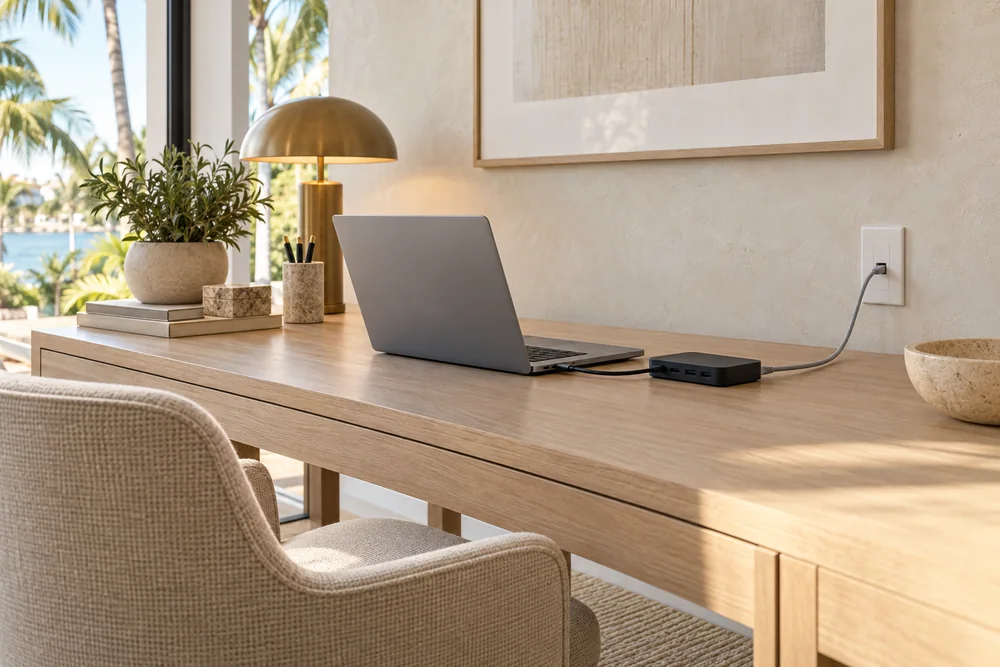
Phones and tablets need the freedom of Wi-Fi. A television, office computer or camera often stays in one place and may benefit from a wired connection. Where the device supports it, an Ethernet cable gives it a direct path to the network and reduces its reliance on the wireless signal.
Access points can use that same wired approach. With a wired connection back to the network, they do not need another wireless link to carry traffic between rooms. Wireless mesh can be useful when running cable is impractical, though its performance depends on the building and where the units can sit.
You do not need to choose that approach alone. Premium can review existing wiring and explain realistic options for a finished home. If you are renovating, it is a useful time to discuss future televisions, an office or an outdoor area while cable routes are easier to reach.
The visible details matter in a finished room. You may want equipment out of sight, discreet access points or minimal changes to walls and ceilings. Those preferences can be part of the design, alongside the limits of the existing cable routes. For a home office, a direct wired connection at the desk may be a worthwhile priority even if other rooms stay wireless. Premium helps you weigh that benefit against the work involved, with clear choices about which spaces deserve attention first.
Understand slowdowns and keep everyday use simple

“The internet is slow” can describe several problems. A weak signal in one bedroom is different from an interruption affecting the whole house. A faster internet plan will not remove a Wi-Fi dead spot, and a new router cannot increase the speed supplied by your internet provider. Premium helps distinguish those causes before recommending changes.
Your experience is a useful starting point. Does the call drop only at your desk? Does the television pause while other devices work normally? Does the connection change as you walk between rooms? You can describe what happens without needing to diagnose the network yourself.
The everyday details matter once you are connected, too. Premium can explain guest-access options and check that your speakers, controls and other connected systems still work together as intended. You should also know who manages the network, what support access is enabled and how updates or future additions will be handled.
If you would like help managing the network, ask what ongoing support covers and whether there is an additional service arrangement. Remote-management features are available on some equipment, but their presence alone does not describe who will provide support or what they can access. You should understand that arrangement and retain clear ownership of the system. It is also useful to mention likely changes, such as turning a spare room into an office, so future options can be considered alongside today’s needs.
A useful demonstration happens in the places you plan to use. Ask to try a work call at your desk, streaming in the family room and your usual phone in the outdoor seating area. If an issue remains, describe what you see there rather than judging the whole system from one speed test beside the router. Premium can help you understand what has improved and which limitations still come from the device or internet service.
CHOOSING THE RIGHT FIT
Options for your home.
- Araknis Networks
- Home-network routers, switches and Wi-Fi access points, with remote-management options on supported models.
- Ubiquiti
- UniFi equipment that brings wired connections, Wi-Fi and network management into one product family.
- Access Networks
- Residential networking systems with Wi-Fi access points for indoor and outdoor spaces.
We confirm equipment and compatibility as part of your project design.
Product details
Specifications and options from the manufacturers.
- Araknis network equipment (opens in a new tab)
- Araknis Wi-Fi access points (opens in a new tab)
- How UniFi networking works (opens in a new tab)
- Access Networks wireless systems (opens in a new tab)
- UniFi Wi-Fi planning guidance (opens in a new tab)
- UniFi wired-network performance (opens in a new tab)
- UniFi network switch settings (opens in a new tab)