




THE SERVICE JOURNAL / LIFE AT HOME
A clearer view of home, wherever you are.
Was that a delivery at the front door? Has someone arrived at the gate? Home cameras can help answer everyday questions without a trip outside. The most useful system gives you clear views of the places that matter and a simple way to look back. Premium Audio And Video helps you choose camera coverage, recording and viewing options around your property, with your household’s privacy part of the conversation from the start.
What this means for your home
- Start with what you want to see at each entrance.
- Choose a recording history that suits your time at home and away.
- Keep alerts relevant and viewing access under your control.
See what matters around your home
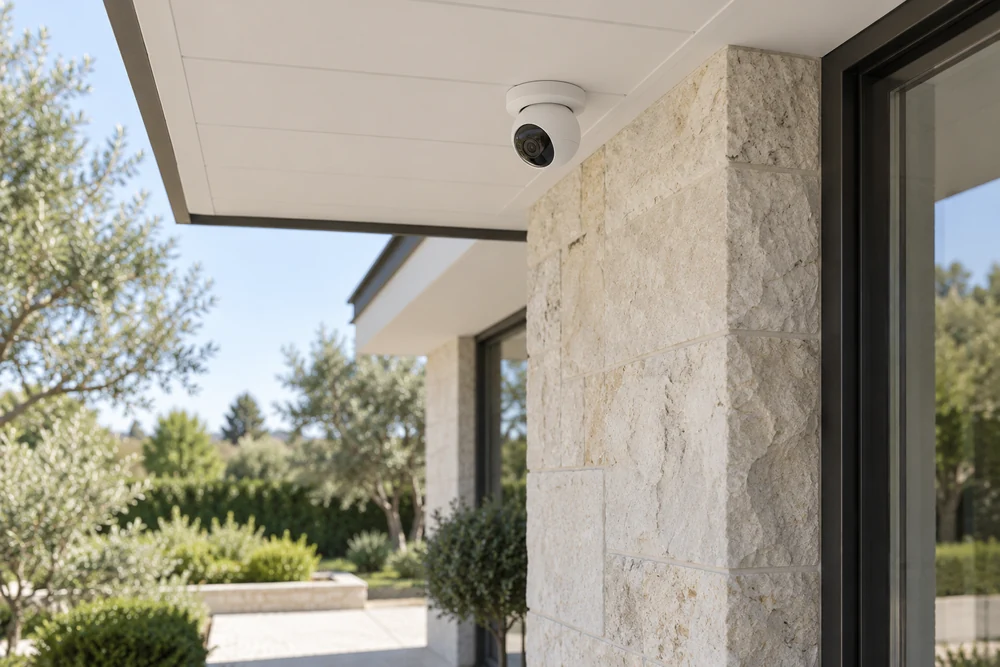
Your front entrance, driveway and side gate each tell a different story. At the door, you may want a closer view of a visitor. Along the driveway, a wider picture can show arrivals and departures. Starting with what you want to see helps Premium recommend useful camera positions and avoid adding cameras simply to increase the count.
A higher resolution alone does not promise a recognizable face. Distance, camera angle, passing headlights and afternoon shadows all affect the image. A view that looks good at lunchtime may be less useful after dark. Premium considers those conditions alongside the camera’s capabilities.
The way you use the property matters, too. A parked SUV, an open gate or growing landscaping can block an otherwise useful view. Coverage should account for those everyday details while keeping neighboring properties and private household areas outside the image wherever practical.
How the cameras look on your home is another choice worth discussing. You may prefer discreet locations along the architecture or be comfortable with more visible cameras near entrances. The appearance still needs to work with the view: a camera hidden too far under an overhang may not show the detail you want. If your home is already finished, Premium can explain the placement and cabling options, including where an existing location may limit the picture you can get.
Find the moment you want to revisit
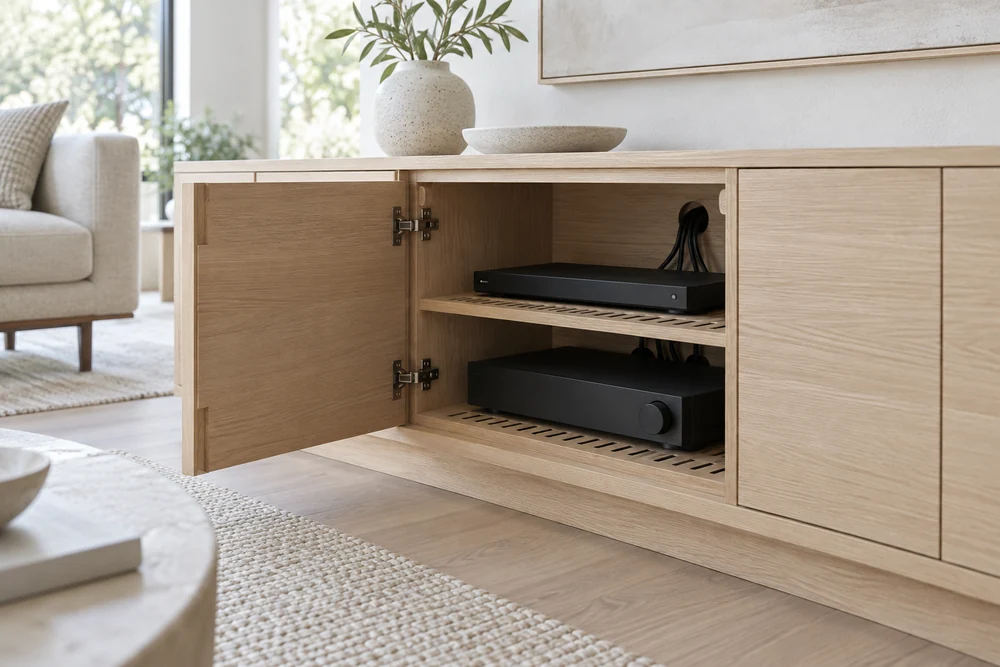
A live picture tells you what is happening now. Recorded footage lets you return to a missed delivery or see what happened while you were away. Think about how far back you would like to look: yesterday’s activity may be enough for one household, while frequent travelers may want a longer history.
Continuous recording keeps footage throughout the selected period. Event-based recording saves footage around activity the system detects. Available options depend on the equipment, and each has different storage needs. More cameras, higher image settings and longer recording periods all affect how much history fits on the recorder.
Premium helps balance those choices and explains how to find an event and save a clip. Luma offers cameras and local recorders; UniFi Protect brings cameras and recording together within its own system. The useful question is how easily you can find what you need, as well as how long it stays available.
There is a balance between image detail and the length of your recorded history. If you are often away, a longer history may matter more than keeping every camera at its highest setting. Local recording keeps footage on recording equipment at the property, which also needs a suitable place in the home. Older recordings may be removed as storage fills, so a clip you want to keep should be saved using the system’s supported tools before it leaves that history.
Choose who sees the cameras and when they alert
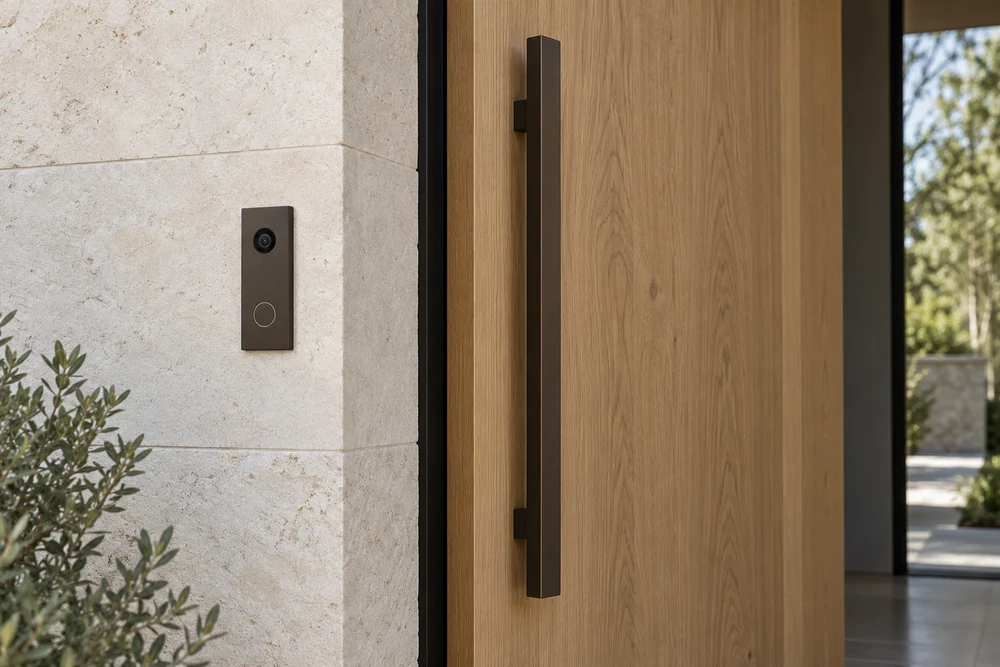
You may want an alert for someone approaching the side door without a notification every time the family crosses the patio. Choosing a few meaningful alerts makes the system easier to live with. Which alerts are available, and how precisely they can be tailored, depends on the camera and software.
Privacy settings deserve equal attention. A detection zone tells a supported camera where to look for activity. A privacy mask hides part of the image. They solve different problems, so Premium can help you understand the options for the views you want.
You also decide who can watch live video or review recordings. Individual access, where supported, makes it easier to change permissions later without sharing one household login. Remote viewing depends on connectivity; recording during an outage depends on the equipment, power and setup. Those limits should be clear before you rely on the system while away.
Think about access in terms of people, too. Someone who helps with the property may only need a particular view, while a household member may need access to past recordings. Available permissions vary, but that conversation helps avoid giving everyone more access than they need. It is also worth understanding how to recover your account and change access later. Your camera system should remain yours to manage when household arrangements change, without depending on a shared login that has circulated for years.
CHOOSING THE RIGHT FIT
Options for your home.
- Luma
- Cameras and local recorders for checking live views and looking back through saved footage.
- Ubiquiti
- UniFi Protect cameras, recording equipment and viewing tools within a connected camera system.
We confirm equipment and compatibility as part of your project design.
Product details
Specifications and options from the manufacturers.
- Luma surveillance cameras (opens in a new tab)
- Luma surveillance recorders (opens in a new tab)
- UniFi camera systems (opens in a new tab)
- UniFi Protect storage and retention (opens in a new tab)
- UniFi Protect recording options (opens in a new tab)
- UniFi camera privacy and detection zones (opens in a new tab)